Training, meals and progress in one app. Pick your goal and gym, and RTC builds your week, feeds you, and shows you it’s working.
Free to start. No card needed. Upgrade to Pro only if you want more.
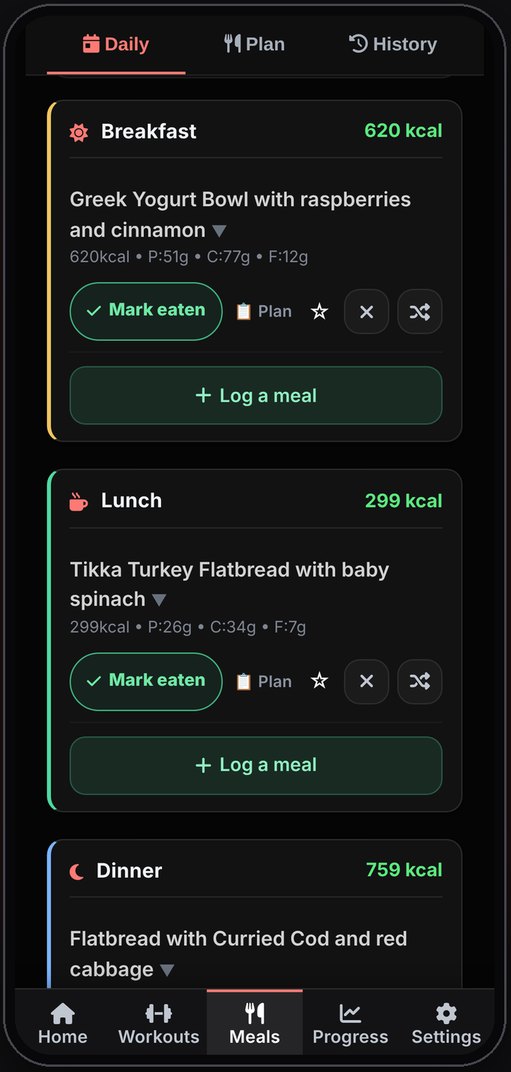
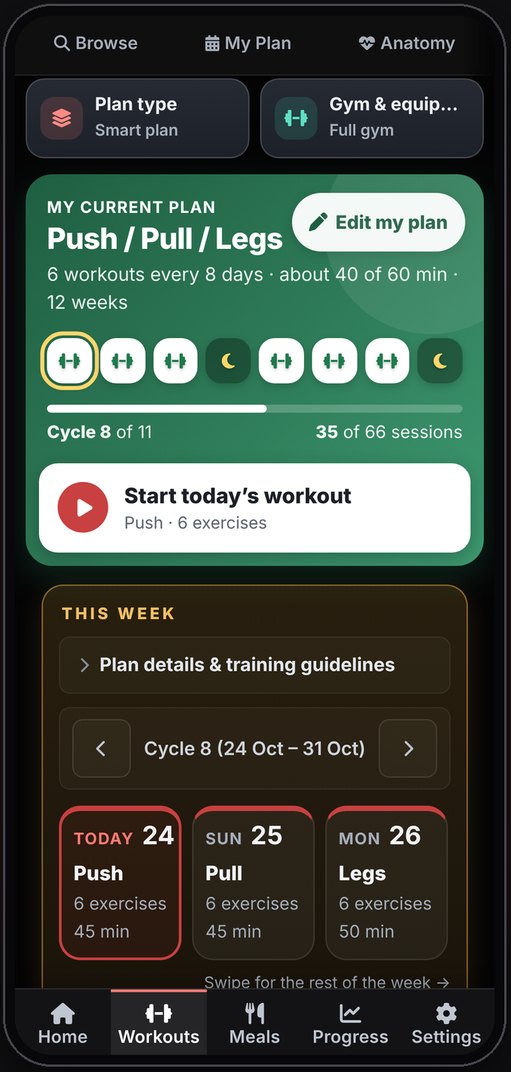
Most people juggle a workout app, a food diary and a spreadsheet. RTC puts them in one place, so your plan, your plate and your progress actually talk to each other.
A weekly plan built in one tap from your goal, equipment and schedule. Guided gym mode with rest timers and last session’s weights.
See workouts →Seven-day meal plans matched to your calories and macros, or just track as you go. Scan a barcode or describe a meal in plain words.
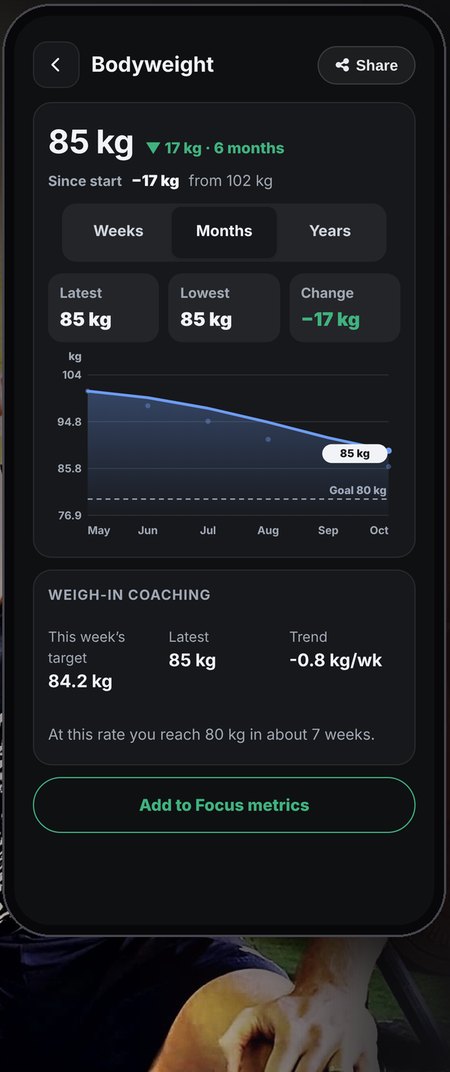
See meals →Weight, body fat and personal records on clear charts. Badges from Bronze to Platinum, and a weekly review with one clear next step.
See progress →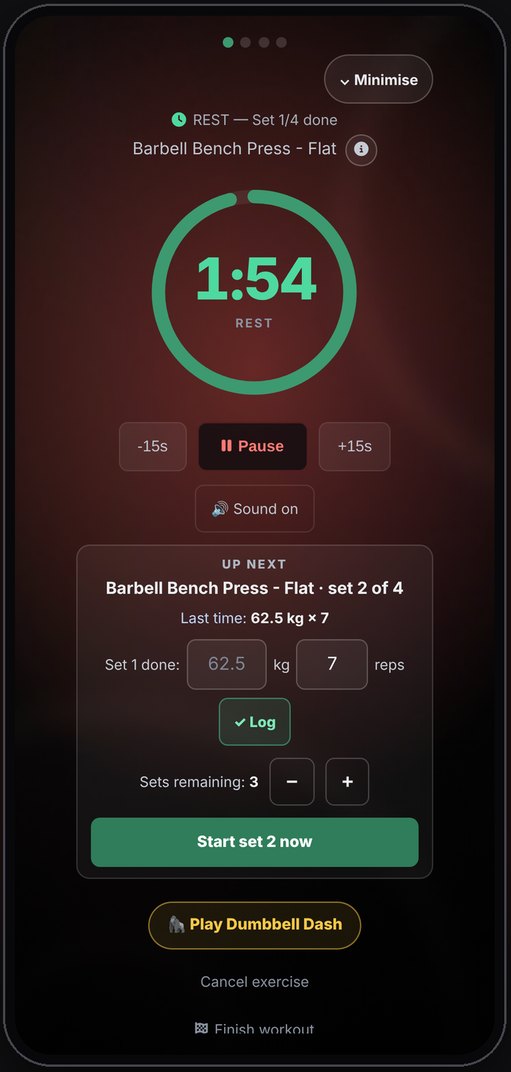
Get RTC on the App Store or Google Play. Nothing to pay to start.
Tell RTC your goal, gym and schedule. Your training week and meal targets are ready in a tap.
Follow the plan, log what you do, and watch the charts, records and badges build up.
Targets that adapt to your weigh-ins, plateau detection, one-rep-max tracking, unlimited meal swaps, cloud sync and no ads.
Yes. Plan building, custom muscle splits, all 171 programmes, meal planning, food tracking, barcode scanning, badges and progress tracking are free. RTC Pro adds extra tools if you want them.
Yes. RTC is on the App Store for iPhone and on Google Play for Android. Tap a button above and your store opens.
Use the launch code RTCLAUNCH when you subscribe to RTC Pro in your store. It gives you 14 days of Pro to try everything before you pay.
No. RTC gives general fitness, nutrition and wellbeing guidance. Check with a doctor before you start if you have a medical condition or injury, are pregnant, take regular medication, or have a history of disordered eating.
Your progress photos stay privately on your phone. You can read the full details in the privacy policy linked in the footer.
Download RTC Fitness on iPhone or Android. Free to start, with 14 days of Pro on us when you use the launch code.